Featured

Week 03 [ 01/22 – 01/28 ]

Week 03 Goals:

  • Implement multiple-page view
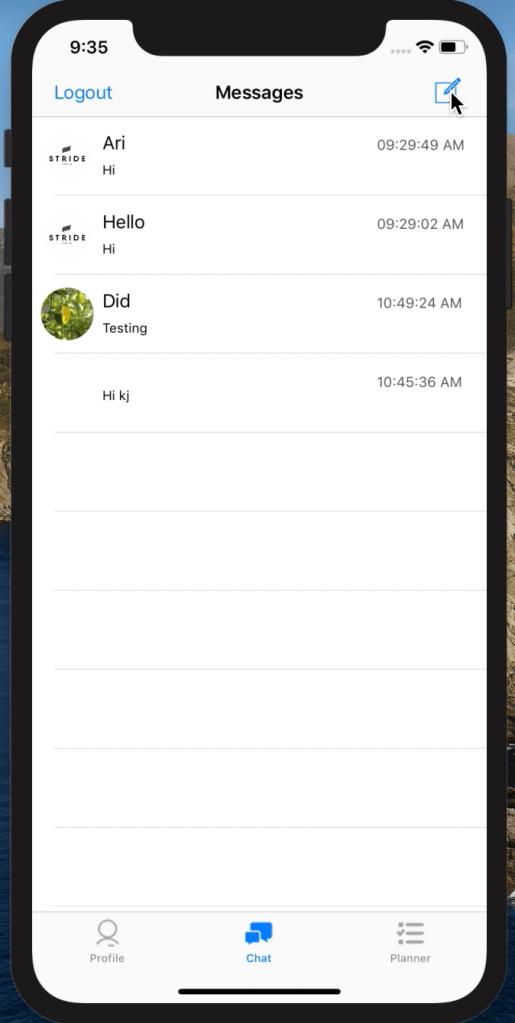
    • Tab bar with tabs for profile, chat and to-do list
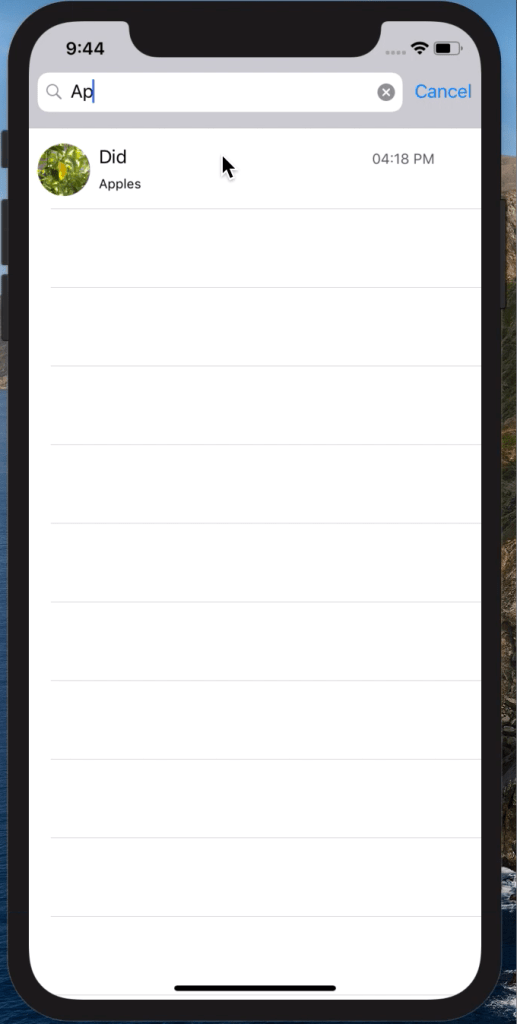
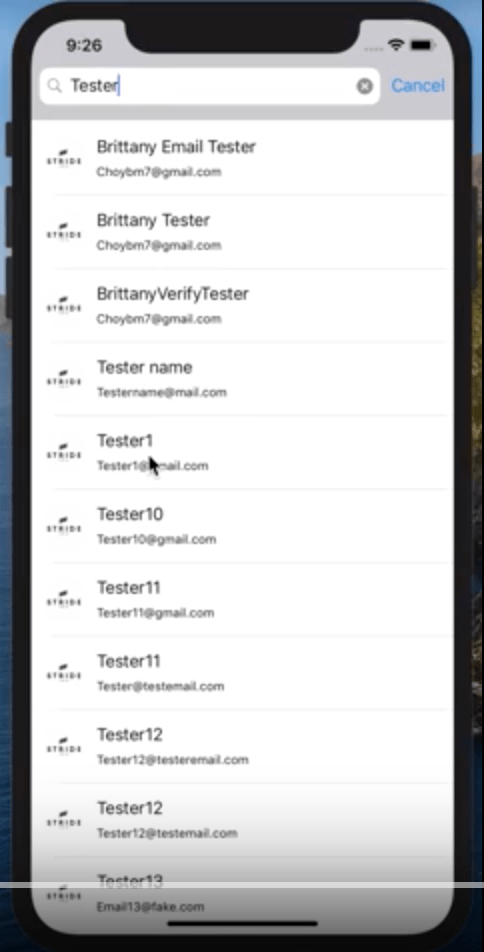
  • Search Bar
    • Add search functionality on contacts and messaging pages
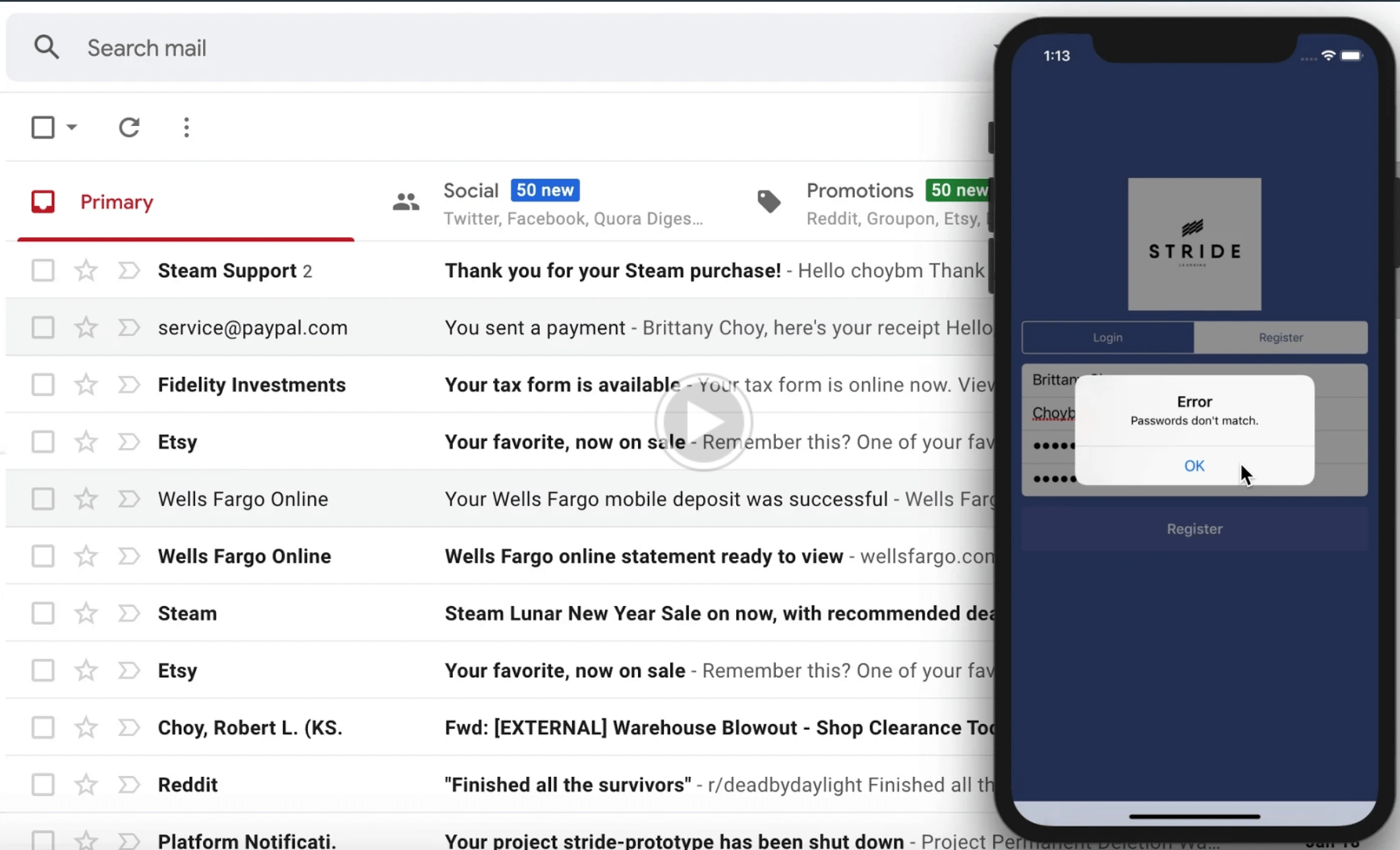
  • Login/On Boarding updates
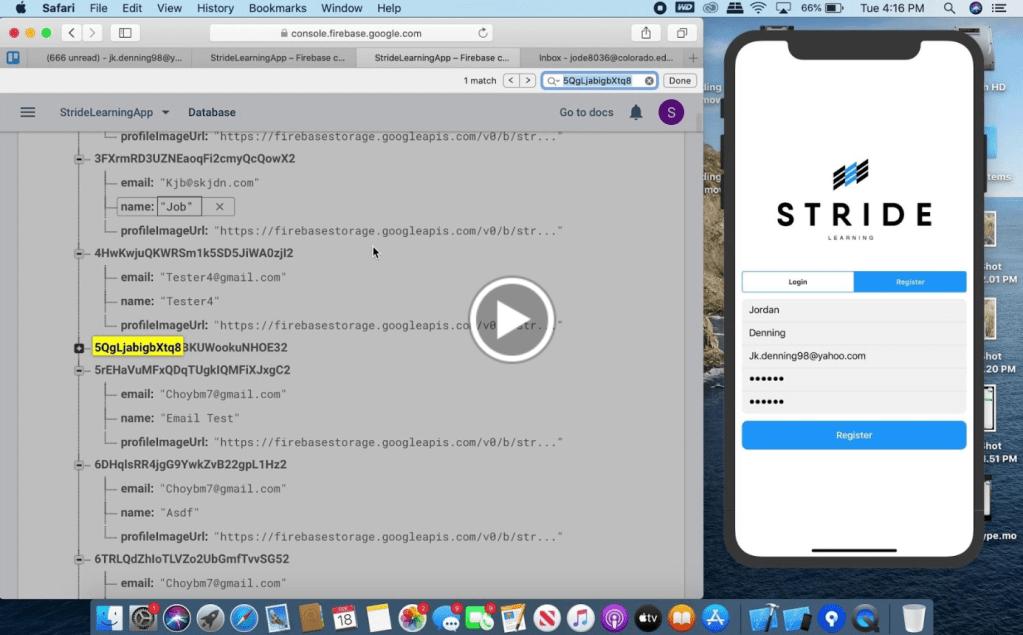
    • Email authentication
    • Notifications: password limit, password retrieval, etc.
    • Confirm password
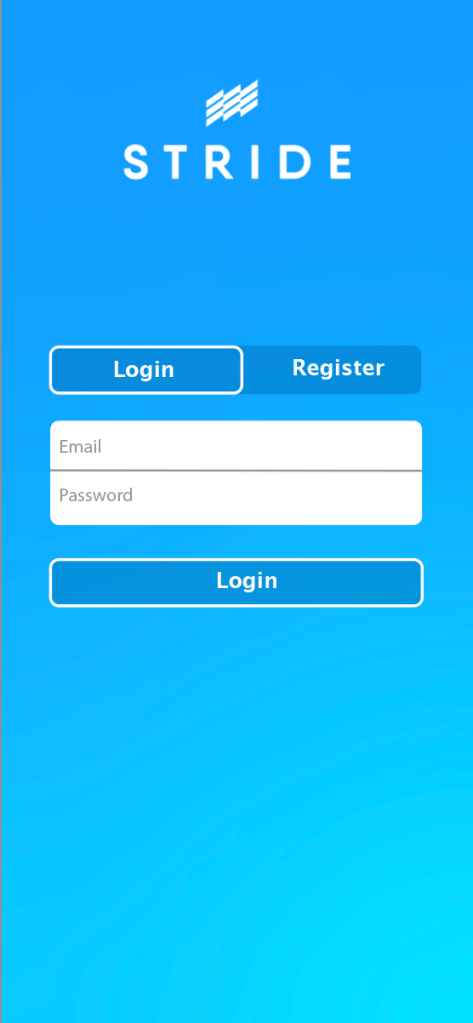
  • Design Updates
    • Different iteration of To-Do List
    • Condense on-boarding process
    • Minor aesthetic updates (rounded vs square corners)

Search Bar & Multiple Page View

Search Bar
Multiple Page View

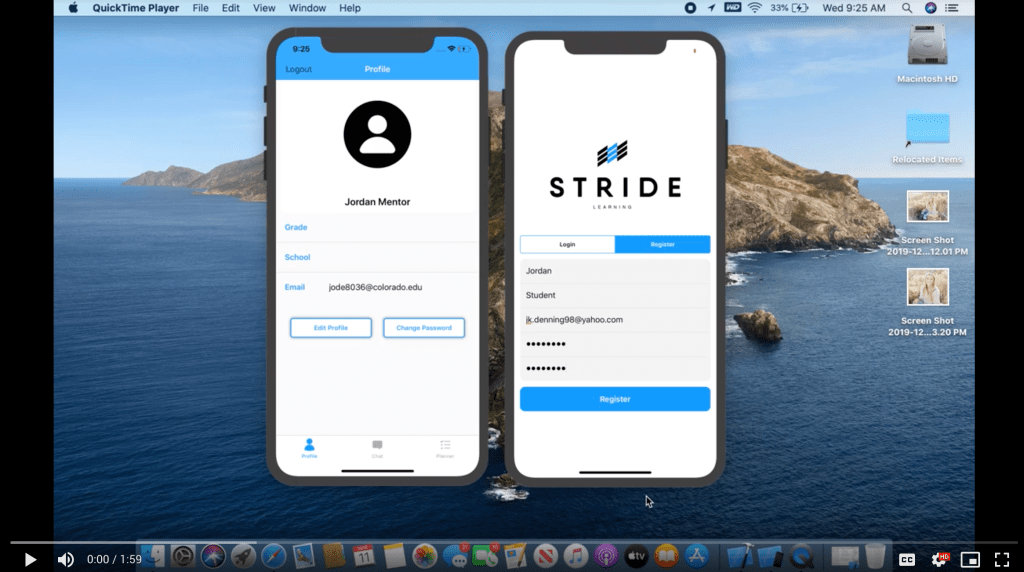
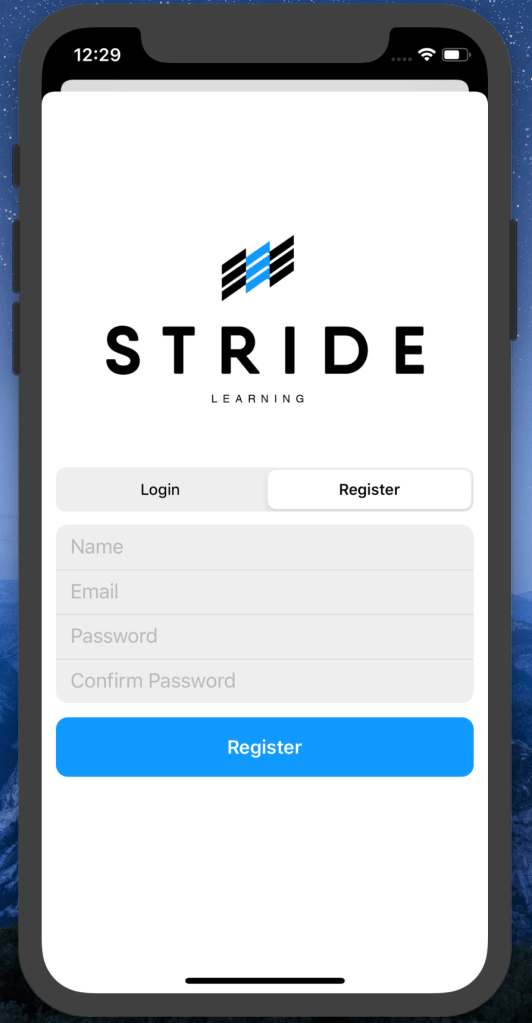
Login/On-Boarding Updates

Design Updates

Week 10 [ 03/11 – 03/17 ]

Week 10 Goals:

  • Mentor Feedback
    • Danny – design
    • Michael – development
    • Stride Staff – functionality
  • Merge all braches
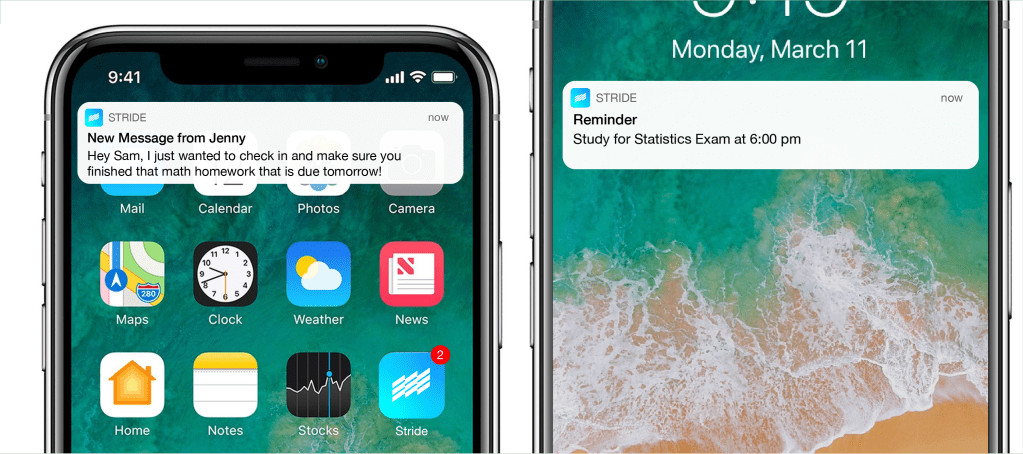
  • Consider implementation of and design badging components

Mentor Feedback

Design

Danny Rankin (TAM Instructor)

At this point in the semester, we are fine tuning design decisions and aiming to create an aesthetically cohesive product, as we are nearing the deadline for our project. After meeting with Danny for what might be the final time, he was quite appreciative of the progress we have made from where we were originally in comparison to where we are now. From minor aesthetic adjustments, to entire page redesigns, Danny was far more useful throughout this semester than we could have ever asked for, and at our last meeting, he only had a few critiques:

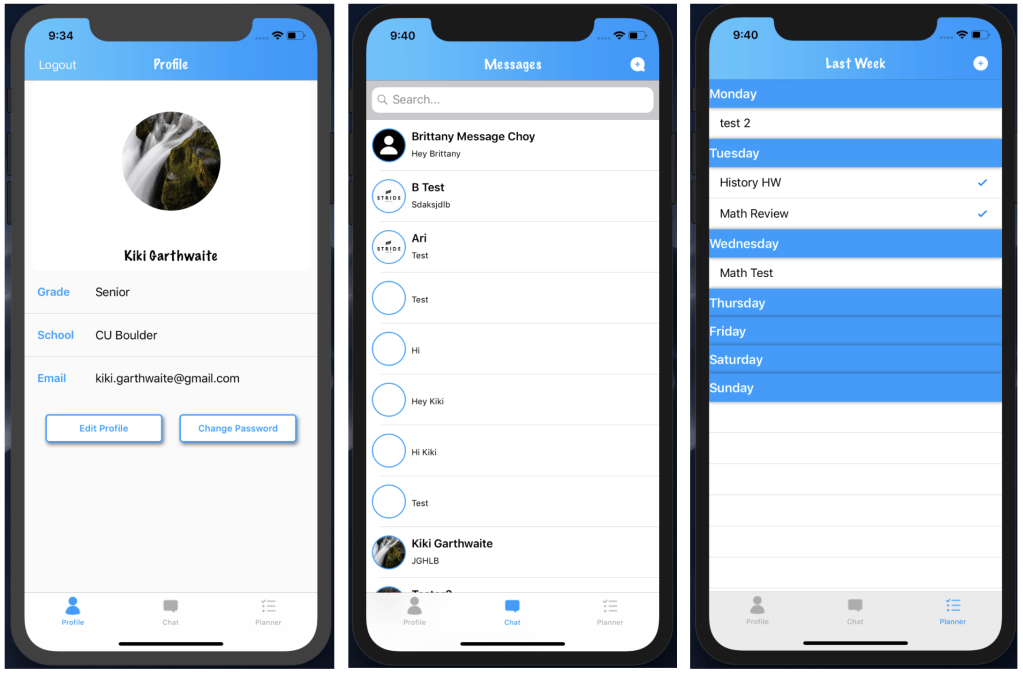
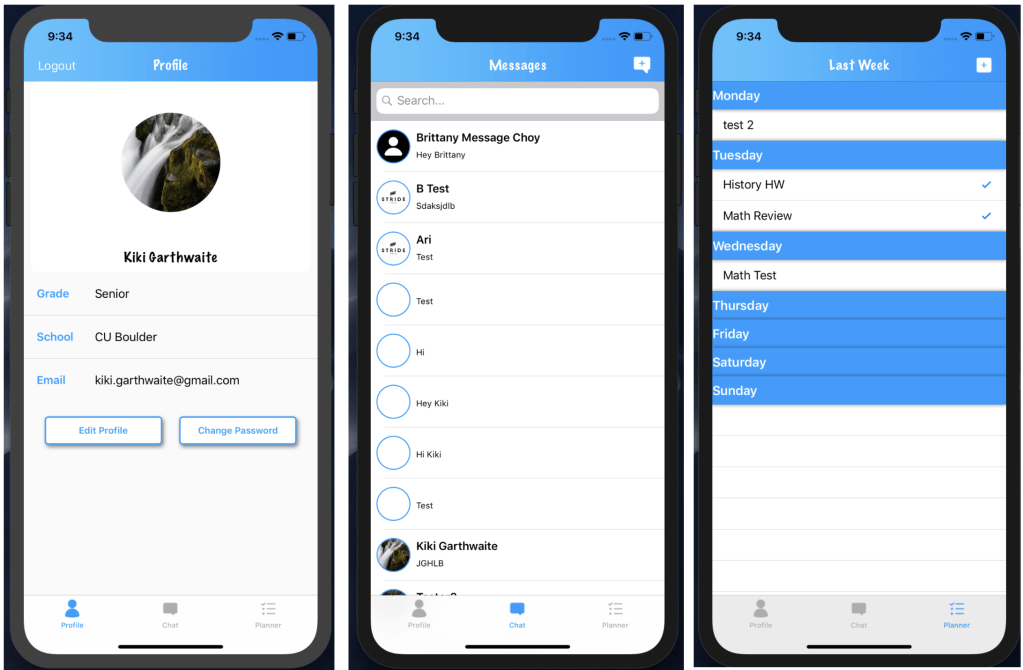
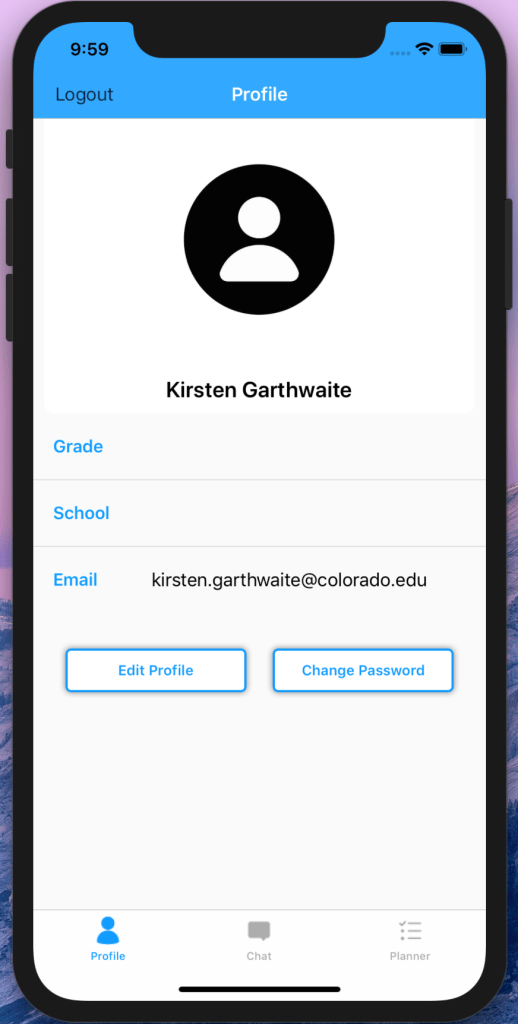
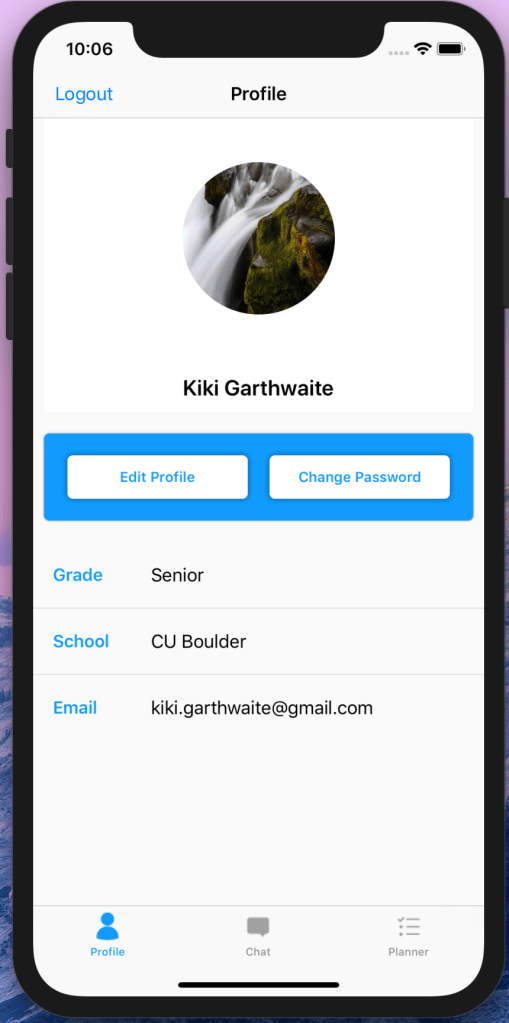
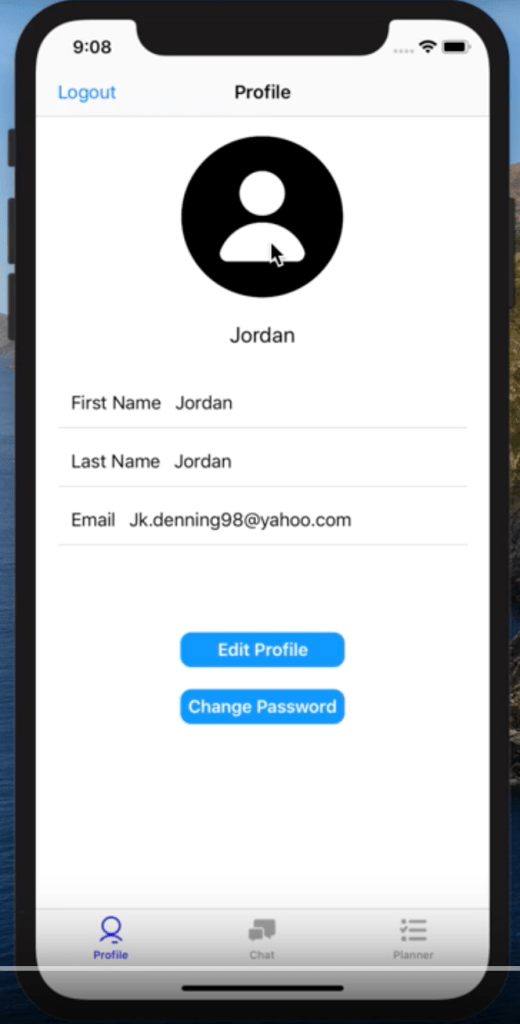
  • Edit Profile and Change Password buttons on the Profile page
    • “Try playing around with the location and the color choices you want for these. Drop shadows can be helpful but are not always necessary to indicate that something is a button; the text you decide to use can usually be enough. I would recommend filling in the buttons entirely or separating them, one at the top and one at the bottom; lose the drop shadow and maybe see how that looks?”
  • New Message and Task Icon
    • “I have my own opinions about these icons but I think you guys should ask some of your peers, and especially students from Stride if at all possible. I know I emphasized using all rounded corners or all sharp corners throughout the application, but design at your own discretion and take outside opinions into deep consideration.”

Functionality

Stride Staff

While user testing was difficult this week due to the Coronavirus, we were still able to get some minor feedback from Stride and will get more concrete feedback coming into next week once all of our code has been merged. We specifically asked Stride for what information they wanted to see on the profile pages of students vs mentors, and will implement that this week:

  • Students: grade, school, email
  • Mentors: role and email

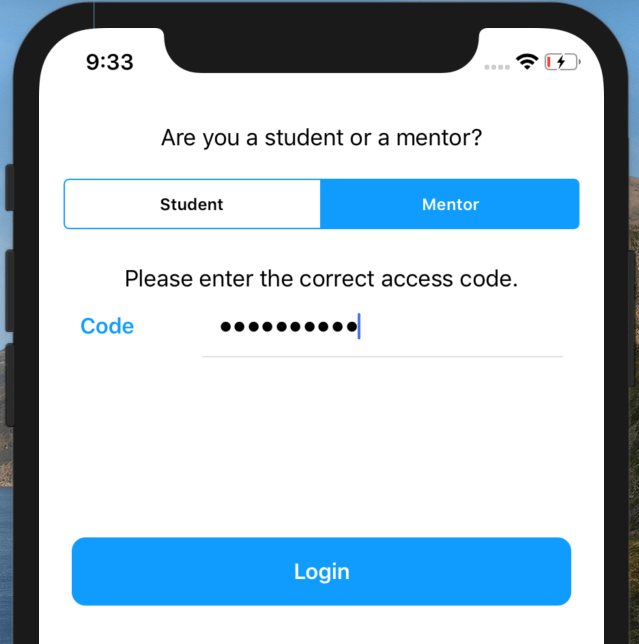
Stride was excited to see the new development of the connections between mentors and students and loved the way we set up the weekly planner. They also appreciated the code requirement for signing up as a mentor, and told us it may be a good idea to have a code for students as well, so that they really have to be part of the program in order to use the app.

Development

Michael Condon (Associate App Developer)

Michael has been very helpful throughout this whole process and guiding us in the direction of developing on industry scale and quality. Michael is on the March Madness app team, and due to the Coronavirus, has some extra time now that the tournaments been cancelled so was able to give detailed feedback on the progress we’ve made since he’s seen it last.

Things that could be better:

  • Making our members as private as possible, for example functions used only within its class. This is helpfully logistically and controls what logic would make sense to be handled outside of the objects scope
  • Use Static Structs or models for constants such as our weekdayChoices in PlannerOverallController
  • Safely unwrap optionals instead of force unwrapping them. Force unwrapping to find a nil can cause the app to crash
  • Keep like functions near each other. You can also through all related logic in an extension to keep files clean. He also suggested separating related functions with pragma marks //MARK: Lifecycle as these are special comments detected by Xcode and can be jumped to, collapsed, etc.
  • Finally he commented again to make our View Controllers “as stupid as possible.”

Things we did well:

  • He “really really” liked how we created views with “lazy vars”, as this is an “amazing way to organize view attributes”. He also suggested we could set our constraints here even if the constraints reference views that haven’t been made yet because it will create those views if it needs to. “This is a really advanced way to create views so nice work!”
  • He appreciated our naming conventions and said this is a good habit.
  • He commended us for the fact that we are “willing to extend a generic class” saying “noticing that there is a more efficient way to utilize an existing API and extending it saves a lot of time and makes everyones lives easier.”
  • Finally, he commented again on the modularity of our code and specifically said he liked that we split up our collectionView and collectionViewCell classes into separate things.

Finally Michael has also been helping in trying to get the code to run on our phones and getting the app on Testflight.


Badging Design

Stride specific badging

Week 09 [ 03/04 – 03/10 ]

Week 09 Goals:

  • Mentor/Student Connections Functionality 90% Done
  • Demo Video Plan
    • Script/Screenplay

Mentor/Student Connections

Demo Video Script

“Welcome to Stride Learning. Stride Learning is a mentoring center for students with ADD, ADHD and other executive functioning needs who might need a little extra help mastering organization and various school subjects. We set out to create an app that the students and mentors would use as a tool to encourage organization, foster communication, and alleviate some of the stress that comes with planning a busy school schedule. Our goal specifically is to help streamline the planning and communication tools that are needed for both mentors and students that are a part of the program.

As a student, you can create a profile that will display certain scholastic information such as your grade, school, email and more. You can then start messaging your personal mentors about anything school related. Questions about homework, assignments, setting up extra tutoring sessions, or anything that you may need a little extra help with. And finally, as a busy student, it is helpful to have a space to write down weekly assignments, upcoming exams, or to set aside time for studying. The planning page can do all that. With its three week spread students have the ability to set tasks for themselves during the current week or for the upcoming week and can also roll back to last week to make sure they didn’t miss anything important. They can set the day of the week that the task needs to be completed, which week, as well as a personalized note that describes what exactly they need to do, and with that, the journey throughout the Stride Learning App begins.

Now as a mentor, you have all the same views as a student but since one mentor can be assigned to multiple different students, you have the ability to switch between your various students to check in on each unique checklist. You can monitor assignment progress, maintain each student’s checklist, and remind them about important upcoming tasks.

Our goal for the Stride Learning app was to create an all-in-one app that combines all the necessary tasks that a Stride student uses on a daily basis to be successful. Planning, communication, and organization are skills that any student needs to be successful. By combining all of this into a singular application, we hope to alleviate some of the stress that can come from using multiple apps, each for a different reason. We want to provide a vehicle for success by creating this app and we hope to encourage every single Stride student to enjoy the sense of organization that our app provides.”

Week 08 [ 02/26 – 03/03 ]

Week 08 Goals:

  • Mentor/Student Connections Research
  • Design Updates

Mentor/Student Connections Research

We began researching and mapped out the logic for how to implement the mentor and student connections. We plan on using the tab bar controller where the third tab (profile tab) will have a conditional of whether the user is a student or a mentor and if it’s a mentor it will load a table view with all of their students. The students page will load the regular page that we already have built out.

We are adding another value to our user structure called “type” in order to be able to implement this. This value will be set when the user registers.

Design Updates

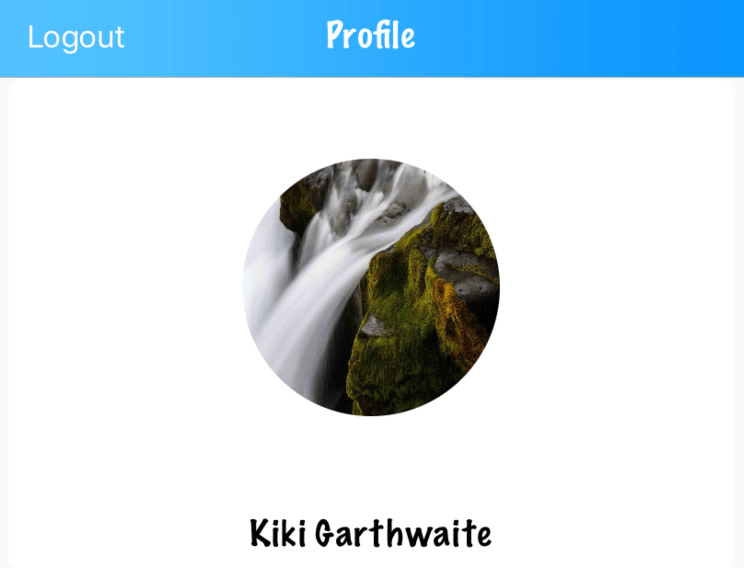
Gradient background image for nav bar
Less dramatic drop shadow for buttons
Friendly font for nav bar title and user name

Custom Icons
Custom Icons (Circle)
Custom Icons (Square)

Week 07 [ 02/19 – 02/25 ]

Week 07 Goals:

  • Planner Page
    • Weekly Section Headers Changing
    • Weekly refresh functionality
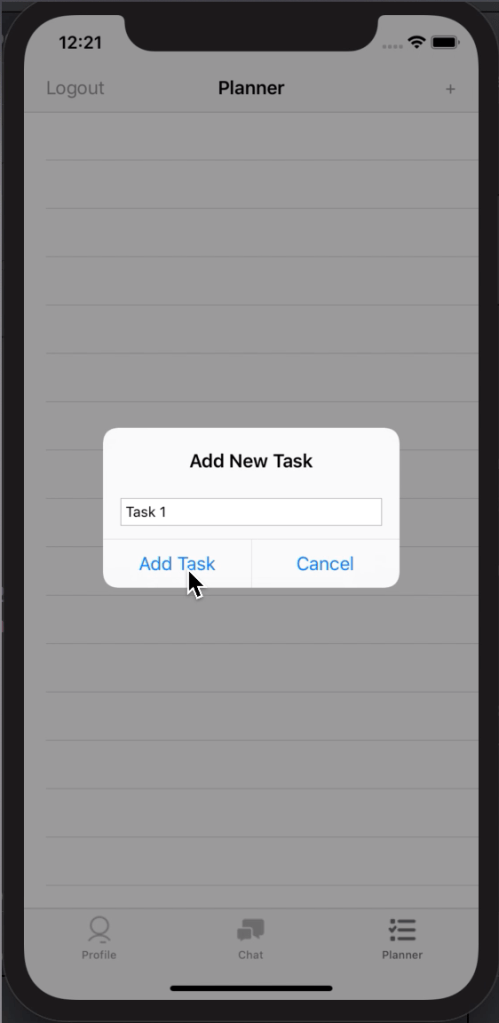
    • New task addition
  • Design updates
    • Planner page headers
    • Navigation bar customization
    • Profile page buttons
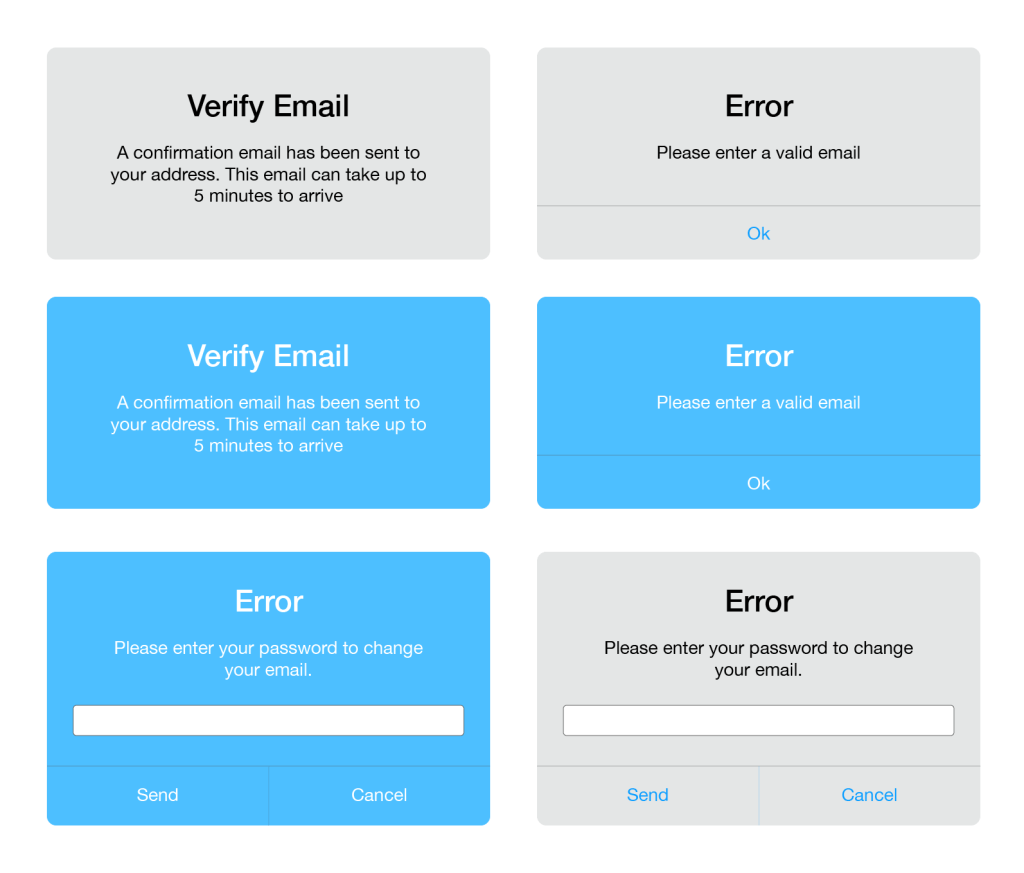
    • Custom error messages design
  • Login/Register
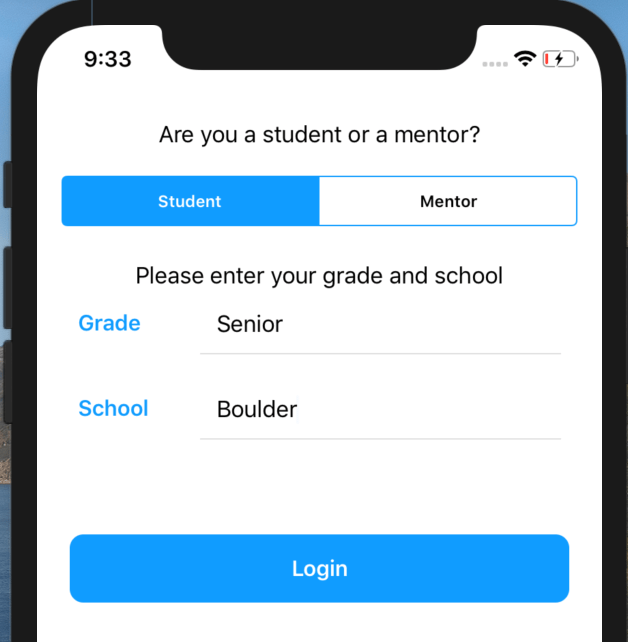
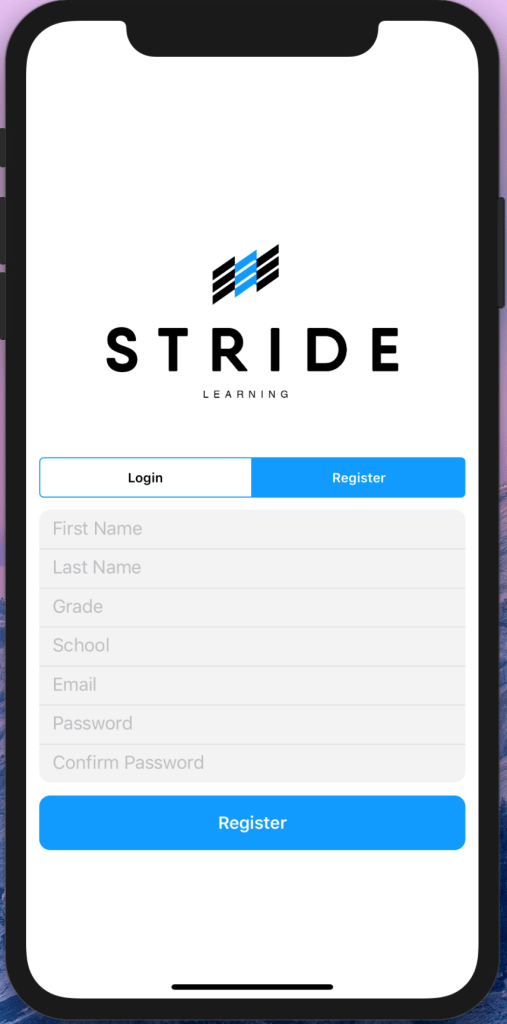
    • Add grade and school to login register
    • Update grade and school on profile page
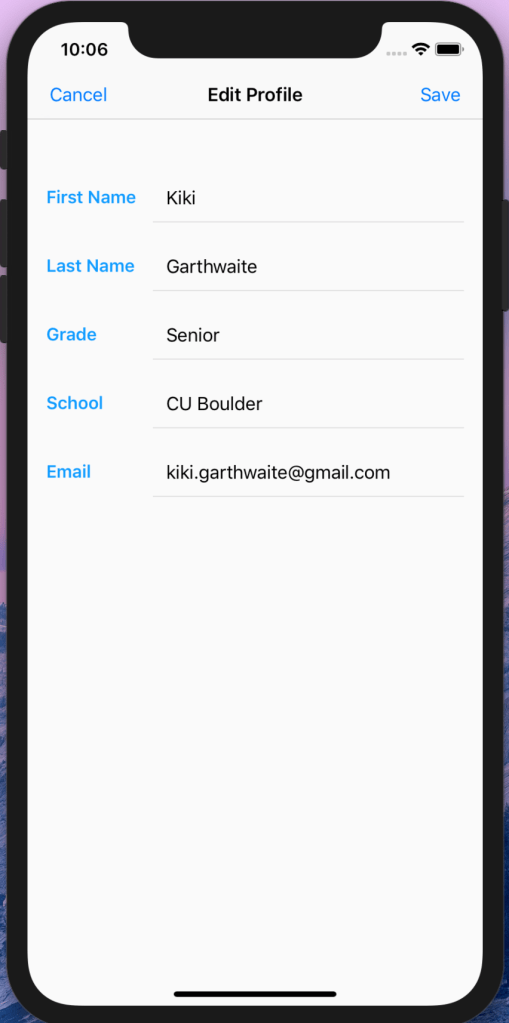
    • Add ability to edit grade and school
  • App Icon
    • Create multiple iterations of app icon

Planner Page

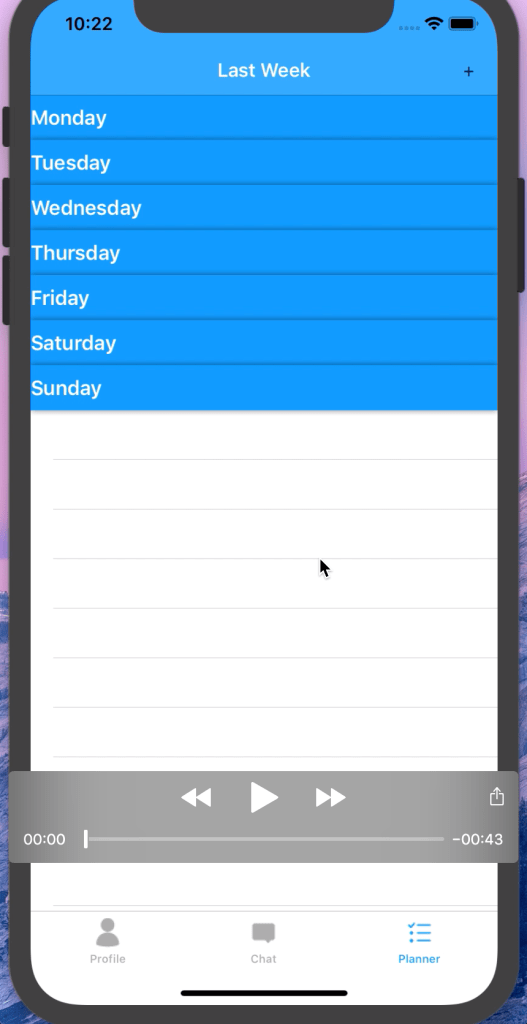
Planner Page Fully Functional

Design Updates

Planner Page Section Headers
Custom Navigation Bar, Removal of Timestamp
New Button Design & Location

Login/Register

Grade/School Editable
Grade & School correctly added to profile page
Grade and School requested on login

App Icon & Custom Alerts

Mentor Feedback 50%

Design

Danny Rankin (TAM Instructor)

“The conventionality is right where you need it to be. it looks and functions exactly how you seem to want it to, so I think you all are at the right place you need to be and are prepared to move forward.”

During our first meeting with Danny, he suggested a ton of things that we could use to produce an InVision prototype that could propel us into the actual production of our application. Although we had heard it before, he told us to try to get an entire, fully functional prototype working (meaning every single page we think we’d need) before we get cosmetic with the app. As we have already started working on the design, this was good to hear so that we can consider our timeline and assure that we get that fully functional prototype done before we begin to design anything further.

Some further suggestions in terms of UI/UX design:

  • Is messaging the main function of the app? If so keep it in the middle, but then does that put less importance on the planner aspect? Maybe put the profile in the middle so that the attention between messaging and planner can be split evenly; debate between yourselves.
  • In relation to the bottom navigation bar, think about popular apps that use a similar navigation bar. Think about how people tend to use their phones and try to rank the importance of each of your pages and place them where you all think is appropriate.
  • User testing, user testing, user testing! Get a different set of eyes on your project instead of your own or your mentors.

Isaac Sheets (TAM Mobile App Instructor)

Overall, Isaac said they we are well on our way to creating a functional app and was impressed that we are doing it all programatically. He agreed that Firebase was a great way to go about authentication and has some great feedback on the UX design of the app. The following were his suggestions on what to change and what to consider moving forward:

Tab Bar Controller

  • Consider profile on bottom right?
  • Do some user testing on tab bar controller layout
  • Think more about which page you want to be the opening page 

Messaging Page

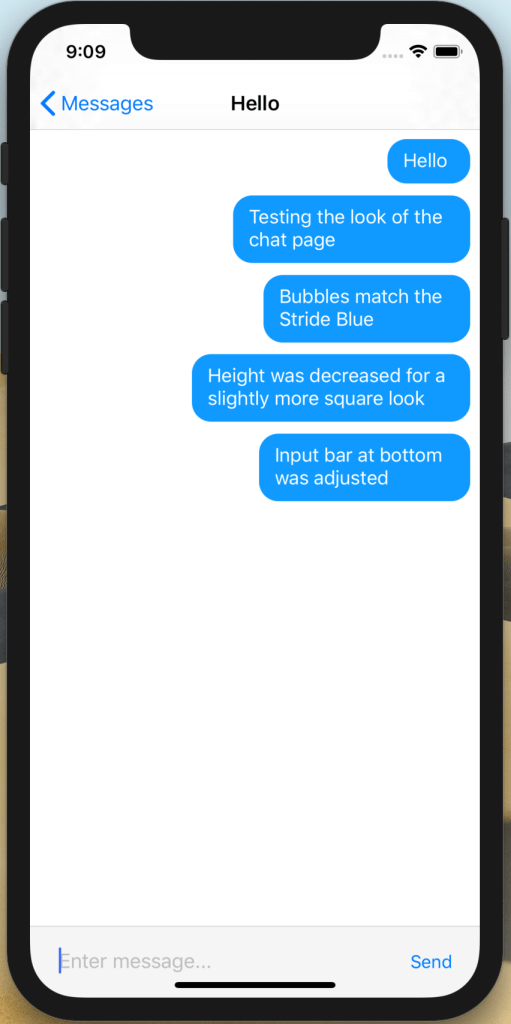
  • Do you want the messages to look like iMessage?
  • Maybe consider more customization here

Mentor/Student Connections

  • Consider doing this on the profile page
  • Only mentor should be able to add students
  • Planner page for mentor: List of students that then drills down to each individual planner
  • Consider authentication of students/mentors on register

Functionality

Michael Condon (Associate App Developer)

Michael was very pleased with what he saw so far and gave great feedback on what he liked and what he thought might help us as we move forward. The main point he emphasized was the organization of our code, saying the way lines were broken into logical blocks made the code “much easier to read.”

He also commended us for the structure of the code. We have different folders housing different types of files such as ViewControllers, Models, and Helpers, which he said prevented him from struggling to figure out where something was or where it belonged. He noticed how modular our code is (how we can reuse code in different places) and said this is an “important trait of well-designed code bases” as it minimizes bugs, speeds up development, and keeps it simple.

He was also very impressed we chose programmatic UI instead of storyboarding. Though programmatic vs. storyboard UI is controversial, this is the way he prefers to make his UI.

Some critical feedback he gave us was to focus on scalability. Specifically the tasks ViewControllers have to perform. As the app grows the ViewControllers could become “bloated and overly complicated.” He noticed fetches are performed in our ViewControllers and as the app grows more complicated, this could be hard to manage because of network requests and complex response handling. His suggestion was to look into Coordinators to help manage ViewControllers and to keep the ViewControllers “as stupid as possible” by keeping them simple and only doing thing things that ViewControllers can/should do. Coordinators can navigate, handle network requests, and keeping track of overall state of different flows in the app.

The other critical feedback he gave us was to avoid commented code. Not commented code that gives an idea of what’s happening, but code that could do something but is commented out. This will help other developers hop into the code base as quickly as possible because they won’t be wondering why code is commented out and not implemented. He suggested making a new branch with this code implemented or stashed so you have both versions.

Overall he said to keep up the great work and that this was an “industry level iOS project so far!”

TL;DR

Continue to…

  • Organize code, lines of code broken into blocks
  • Put files in appropriate folders
  • Modularize code for easy reuse, and simplification
  • Programmatically create UI

Suggestions

  • Think about scalability going forward
  • Use Coordinators
  • Keep ViewControllers simple
  • Look into SwiftUI
  • Keep out commented code

Brandon Slade (Stride CEO) & The Stride Executive Leadership Team

The Stride team was very impressed with our progress and said that overall, it looks amazing! They especially liked the ability for someone with access to the Firebase SDK to read conversations from mentors and students. This was a key goal that we had in mind in the development of the app and moving forward are going to work on making the Firebase data more user-friendly and readable. Right now the data is shown by individual messages, but we hope to get it broken up into chat logs from person to person.

Questions They Had For Us:

  • Would you be able to involve parents on the list but not in the texts?
  • Is there a way to have a separate parent portal? Not one where the parents are reading the kids messages but one where we can communicate with parents. Like where they have a separate account so all communication is through the app

Suggestions They Had For Us:

  • The lists could use breaking down by days and a place for missing assignments, goals, and what to work on in the homework center
  • A cool possibility would be like a way to download or export the weekly plan so that parents could see the original without having to be a part of the app (giving the students more privacy but still having that access without having to create a separate list to email parents)

Takeaways

  • Implement user testing to find the best flow for the tab bar
  • Make sure to break down to-do list into separate days
  • Decide on the best way to include parents –> most likely the ability to export the weekly to-do list so that mentors can share the lists via email
  • Keep code organized and modular
  • Reuse as much code as possible to keep clean, efficient, and simple
  • Look into Coordinators
  • Start thinking about scalability
Week 05 [ 02/05 – 02/11 ]

Week 05 Goals:

  • Profile Page & Planner Page Hooked Up To Firebase
  • Email Updates, Password Updates, Error Notification Updates
  • Overall Design Updates
  • Mentor Feedback

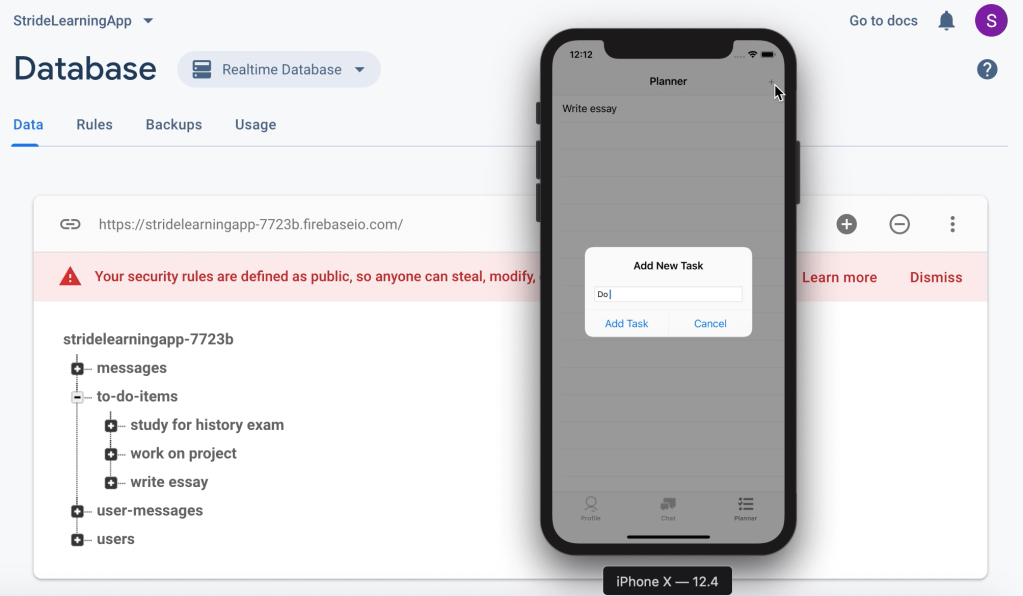
Profile Page & Planner Page Hooked Up To Firebase

Planner Page Hooked Up To Firebase

Email Updates, Password Updates, Error Notification Updates

Screen Recordings of all Updates in Google Drive Folder Linked Above

Overall Design Updates

Tab Bar:

  • Changed tab bar icons to custom icons
  • Changed color of tab bar icons to Stride blue

Login Page:

  • Updates to design of segmented control on login (color, font, etc)
  • Fixed segmented control and Stride Logo to stay in place when switching between login and register

Launch Screen:

  • Centered logo vertically for all screens

Profile:

  • Added split background color
  • Added right constraint to labels in order to align all input text boxes
  • Reformatted input container using percentages
  • Put label text in bold font
  • Changed button sizes

Chat Log Controller:

  • Added buffer room to bottom of input box
  • Rounded corners of input box

Mentor Feedback

Mentor Feedback 50% Blog Post

Week 04 [ 01/29 – 02/04 ]

Week 04 Goals:

  • Xcode Design Updates
    • Finalize on-boarding page
    • Finalize messaging pages
    • Play with design of contacts page
    • Create custom icons for profile, messages and to-do list
  • Search Bar
    • Fix search bar bug on contacts page
  • Profile Page
    • Create basic profile page
  • To-Do List Page
    • Create basic to-do list page

Xcode Design Updates

Finalized On-Boarding Page
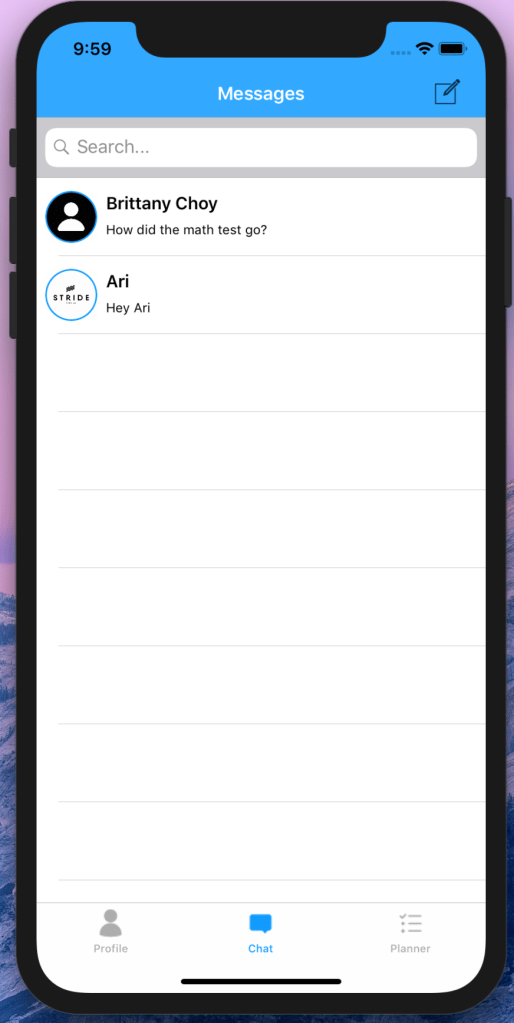
Finalized Messaging Pages
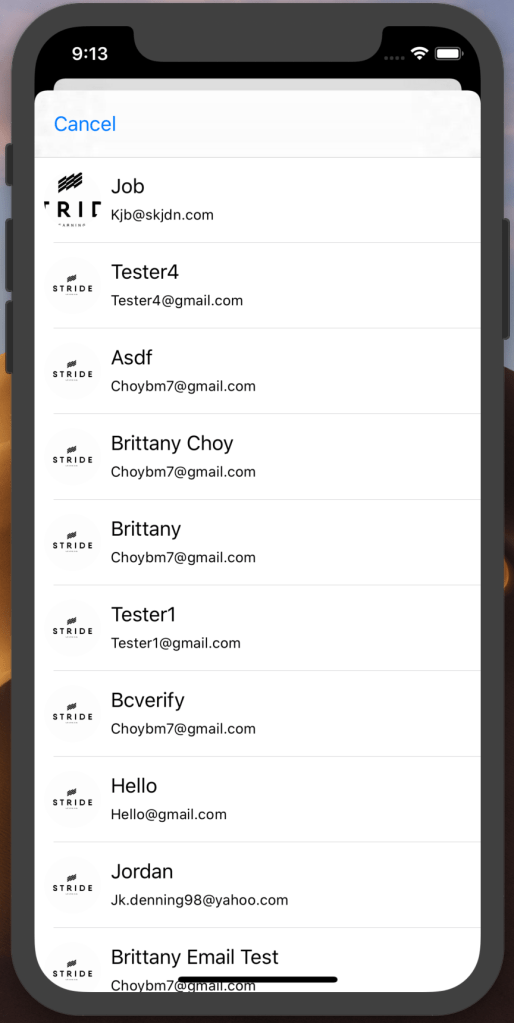
Contacts Page (need to add FirstName LastName and sort alphabetically)
Custom Icons

Search Bar

Bug Fixes For Search Bar

Profile Page & To-Do List Page

Link to Video: Basic Iteration of Profile Page
Link To Video: Basic Iteration of Planner

Week 02 [ 01/15 – 01/21 ]

Week 02 Goals:

  • Invision Prototype Flow completed
  • Single Conversation Functionality in Firebase completed
  • Advisor Feedback on design thus far

Invision Prototype

Single Conversation Functionality

Design Feedback

After meeting with our design advisor, we received a lot of great feedback about the overall aesthetic of our prototype as well as some UX critiques that we are excited to implement. The most important critique we received was about our current To – Do page but we also considered suggestions about limiting the amount of pages needed for onboarding, limiting the use of all capital letters in sentences — especially in what would seem like conversational statements, and lastly some minor consistency adjustments such as using rounded rectangles throughout or sharp right angle rectangles, not a mix of both. Overall, we have a lot to work on after meeting with our advisor but we are excited to do so. Since this was the first time we had met with our design advisor, it was very beneficial to have a different set of eyes on our prototype to raise questions about components we may have never thought to change on our own.

Design a site like this with WordPress.com
Get started